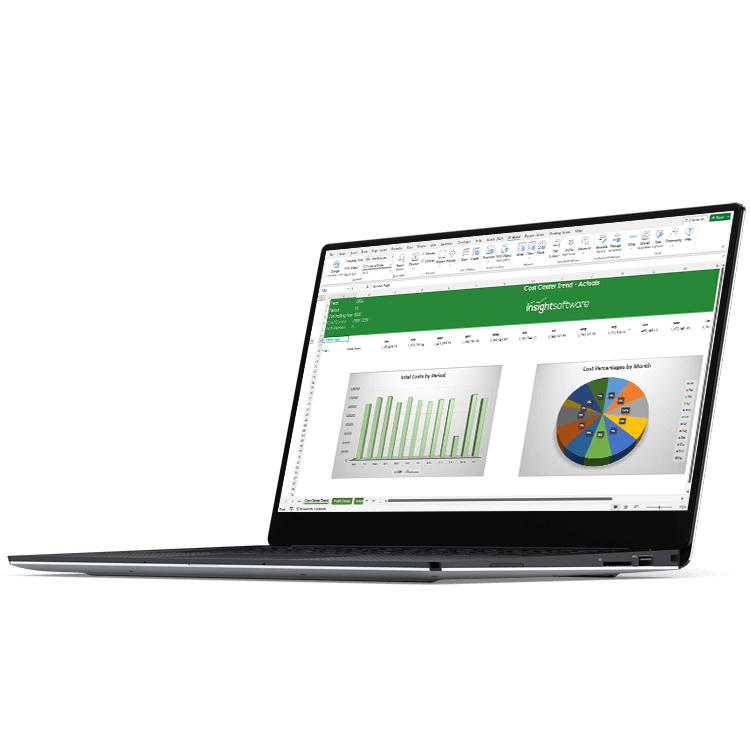
Excel Reporting Tools that Accelerate Financial Processes in Oracle E-Business Suite (EBS) and SAP
"*" indicates required fields


See for yourself why over 500K+ users are using insightsoftware





40%
Less Time

2 Days
Saved Every Week

70%
Less Time

Are You Struggling to Complete Even the Most Routine Financial Processes in Your ERP System?

Your Team is Working All Hours to Hit Month-End Close Targets
Your most valuable resources are spending too much time copying and pasting to compile or reconcile the information they need.

Manual Data Consolidation is Error Prone
Your data should never be flawed, but manual processes increase the risk of human error. Those inaccurate reports impact your business success because critical decisions demand accuracy.

Exporting and Formatting Reports is a Full-Time Job
Your people are skilled in their roles, but menial, repetitive tasks are limiting their potential. They need to be empowered to make decisions, but your complex environment is holding them back.

Easy, Self-Service Reporting for Oracle EBS
Build refreshable reports, with real-time, drillable data, without having to understand Oracle’s row and column sets in FSG. Support and accelerate your daily reporting activities with easy access to your EBS data in Excel. Deep integration that leverages the Oracle data dictionary and does the heavy lifting for table joins, queries, and calculations means fast, accurate reporting with no technical knowledge required.
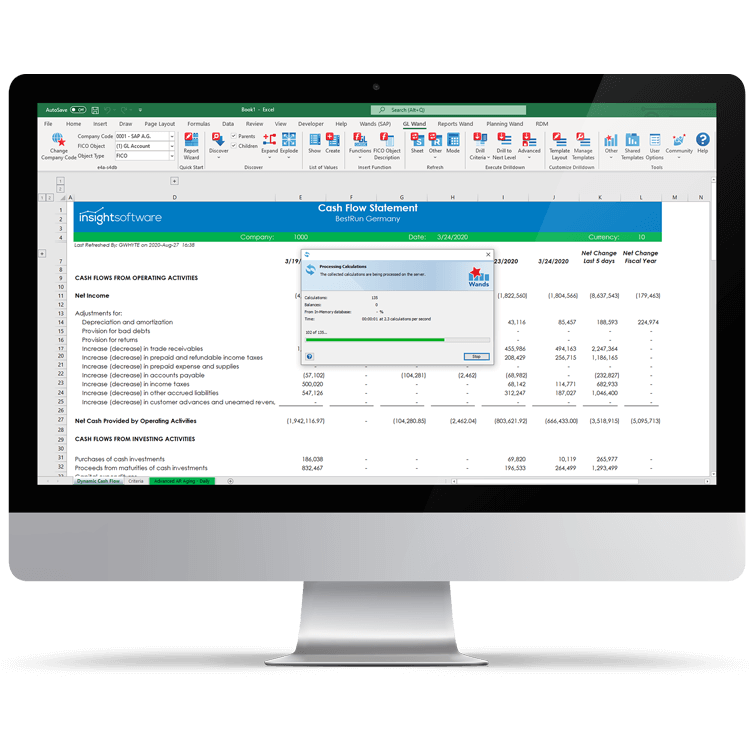
Put Business Users in Control of Their SAP Reporting
Empower business users to create their own refreshable and drillable reports with flexible layouts against SAP Business Suite (ECC) and S/4HANA. Work with data from FICO and any other module for end-to-end process visibility. Built-in understanding of SAP data and financial intelligence combine to present business users with an intuitive interface in which they can create custom reports, in minutes, without requiring technical knowledge.
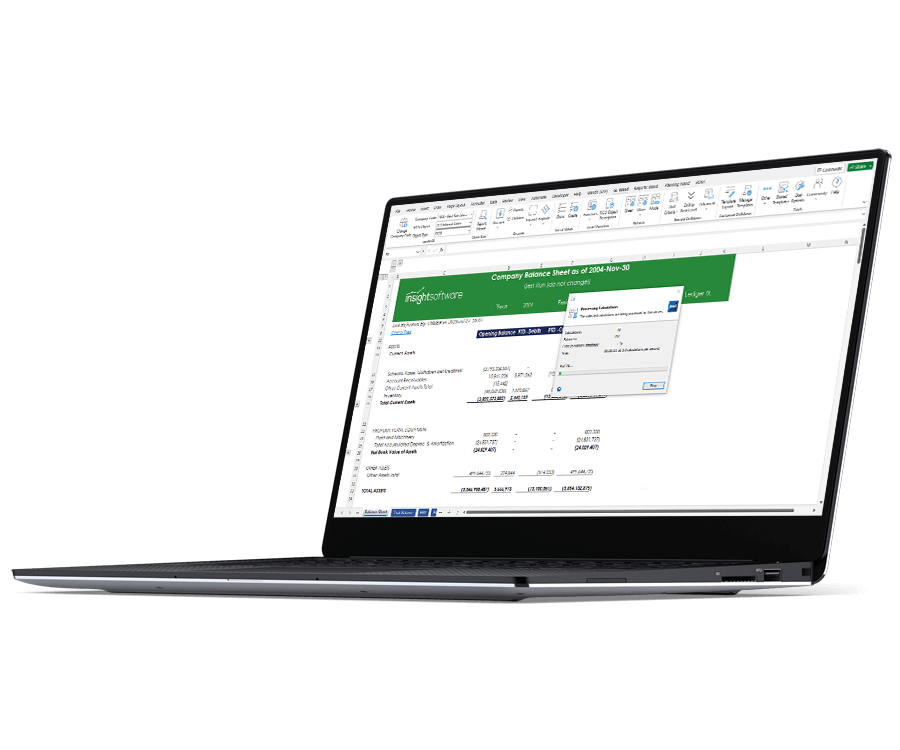
Integrates with:


Five Key Factors to Consider When Evaluating Financial Reporting Software
Frustrated with constantly trying to fill the gaps between what business intelligence (BI) tools provide, and the actual reporting needs of your finance team? Does your team often resort to dumping ERP data into Excel and then manually manipulating it? If so, it’s probably time to consider financial reporting software. But how do you know what to look for? In this whitepaper, you will learn the five key factors to consider when evaluating financial reporting solutions.
Work with the #1 Excel-Based Financial Reporting Vendor for Oracle EBS and SAP

“The nature of our business is such that we need to be flexible. Wands
allows us to operate as we need, rather than being forced to fit into a specific
reporting structure.”

Get a Tailored Estimate Now
Related Resources

Financial Reporting Buyer's Guide


What is Account Reconciliation?
Daily Cash Flow Tracking

Airport Management Team Reaches New Reporting Heights
